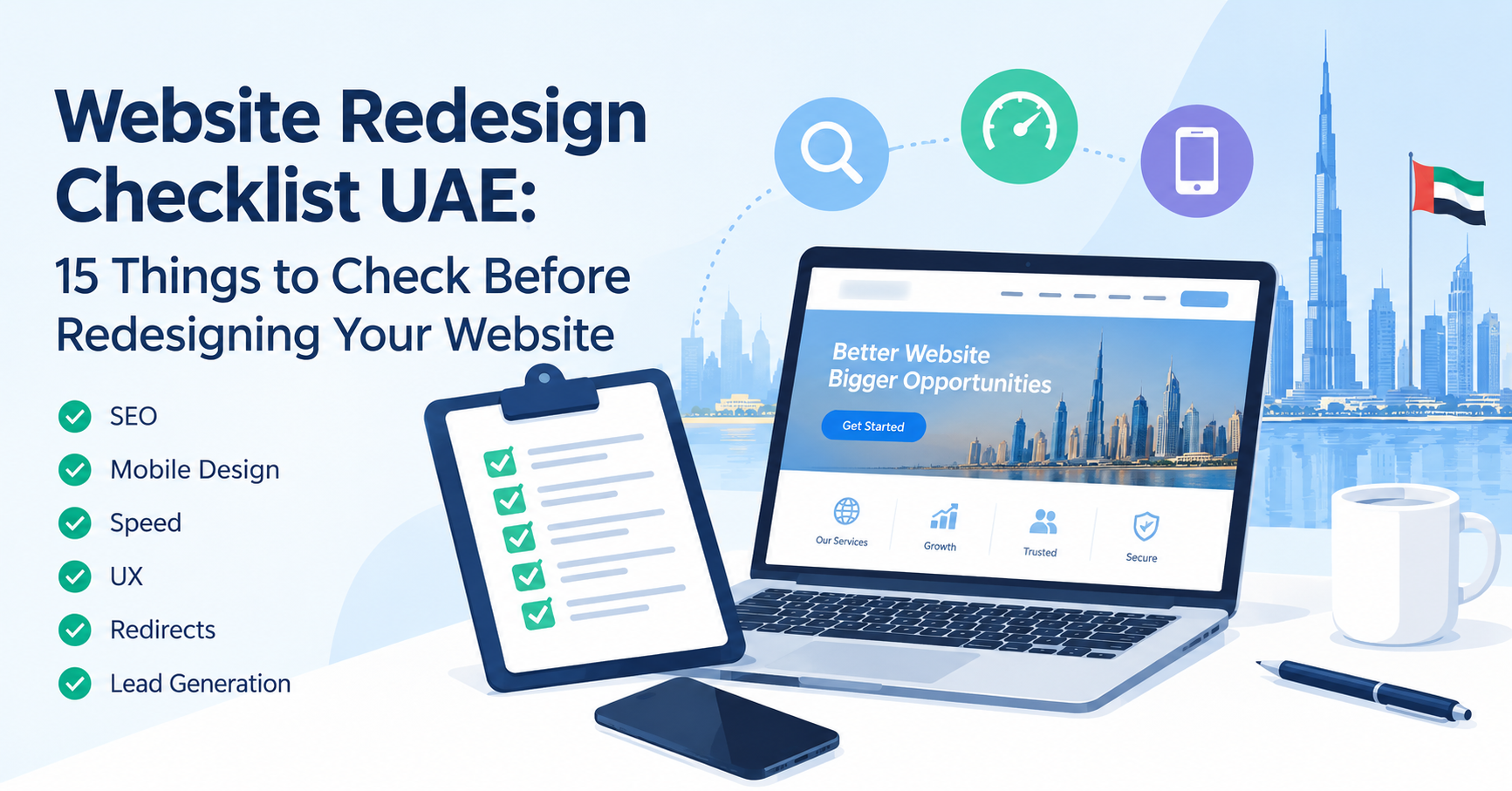
Website Redesign Checklist UAE: 15 Things to Check Before Redesigning Your Website
Your website may have looked modern when it was launched several years ago, but digital expectations change quickly.
A website that feels outdated, performs poorly on mobile devices, or generates very few enquiries can affect how customers perceive your business.
For UAE companies competing in Dubai, Abu Dhabi, Sharjah and across the Emirates, a website redesign can provide an opportunity to improve much more than appearance.
It can improve SEO, website speed, user experience, lead generation, security and overall brand positioning.
However, redesigning a website without proper planning can also create problems.
Pages can disappear from Google, URLs can change, valuable content can be lost, and users may struggle with unfamiliar navigation.
Use this website redesign checklist before launching your new UAE business website.
1. Define Why You Are Redesigning the Website
Do not redesign a website simply because it looks old.
Identify the actual business problems.
For example:
- Website generates very few enquiries
- Mobile experience is poor
- Website is slow
- Branding has changed
- Services have changed
- Website is difficult to maintain
- Search traffic is low
- Competitors have stronger websites
- Customers struggle to find information
When the objective is clear, design decisions become easier.
2. Review Your Existing Website Analytics
Before removing anything, understand what is already working.
Look at which pages receive the most visitors.
Identify:
- High-traffic pages
- Popular service pages
- Pages generating enquiries
- Important blog articles
- Traffic sources
- Mobile traffic
- Most visited landing pages
Do not accidentally remove valuable pages simply because their visual design appears old.
3. Audit Your Existing Google Rankings
If your existing website already ranks for valuable keywords, protect those pages during the redesign.
Record important:
- URLs
- Page titles
- Keywords
- Internal links
- Backlinks
If a high-performing page must move to a different URL, implement an appropriate redirect.
Changing every URL during a redesign without an SEO migration plan can create unnecessary ranking problems.
4. Review Your Website Navigation
A visitor should understand your business quickly.
Your navigation should reflect what customers are actually looking for.
For example, a technology company may organise navigation around:
Home
Services
Solutions
Industries
About
Blog
Contact
Important services may also deserve their own pages.
Avoid forcing visitors to search through several menus to find basic information.
5. Reconsider Your Homepage
The homepage should quickly answer:
Who are you?
What do you provide?
Who do you help?
Why should customers choose you?
What should visitors do next?
A modern homepage should have a clear value proposition and strong calls to action.
Avoid filling the homepage with unnecessary animation or generic corporate statements.
6. Make Mobile Design a Priority
Do not treat mobile design as a smaller copy of your desktop website.
Check:
- Font readability
- Button sizes
- Mobile menu
- Form usability
- Image scaling
- WhatsApp buttons
- Click-to-call
- Page speed
Test important pages on multiple screen sizes.
A business website must be easy to use from a smartphone.
7. Improve Website Speed
A redesign is an excellent opportunity to remove performance problems.
Optimise:
- Large images
- Old scripts
- Excessive plugins
- Unused CSS
- Fonts
- Videos
- Third-party widgets
Use modern image formats where practical and implement lazy loading appropriately.
Choose reliable hosting capable of supporting the website's expected traffic.
8. Update Your Website Content
Do not simply copy old content into a new design.
Review every important page.
Ask:
Does this page clearly explain the service?
Is the information still accurate?
Does the page answer customer questions?
Is there a clear CTA?
Can visitors understand the benefit?
Old websites frequently contain short service descriptions that provide little useful information.
A redesign gives you an opportunity to create stronger, more detailed content.
9. Preserve SEO Elements
Before launching, review:
- Page titles
- Meta descriptions
- H1 headings
- H2 headings
- URLs
- Image ALT text
- Internal links
- Canonical tags
- Sitemap
- Robots directives
A visually impressive redesign should not come at the cost of search visibility.
SEO should be part of the redesign process from the beginning.
10. Plan URL Redirects Carefully
If an old page URL changes, search engines and users need to know where the content moved.
For example:
Old URL:
/webdesign.html
New URL:
/website-design-dubai/
The old URL should normally redirect to the most relevant replacement page.
Create a URL migration list before launching.
Never redirect every deleted URL automatically to the homepage unless that truly provides the most relevant replacement.
11. Improve Calls to Action
Every important page should have a clear next step.
Potential CTAs include:
- Request a quote
- Book a consultation
- Request a demo
- WhatsApp us
- Call now
- Get pricing
- Contact our team
Choose actions appropriate to the service.
Make CTAs visible without overwhelming the visitor.
12. Add Trust Signals
Your redesigned website should help customers feel confident about contacting your company.
Consider adding:
- Customer testimonials
- Case studies
- Client logos
- Portfolio projects
- UAE contact information
- Office location
- Certifications
- Company history
- Team information
- Secure HTTPS
Trust can be particularly important for visitors discovering your company through Google for the first time.
13. Connect Analytics and Search Tools
Make sure tracking does not disappear during migration.
Set up or verify:
- Website analytics
- Google Search Console
- Conversion tracking
- Contact-form tracking
- Telephone clicks
- WhatsApp clicks
After launch, monitor the website closely for unexpected changes.
14. Test Everything Before Launch
Test more than the homepage.
Check:
- Forms
- Buttons
- Mobile navigation
- Links
- Images
- Videos
- Downloads
- Search functionality
- Contact information
- Payment functions
- Booking systems
- Browser compatibility
A small broken contact form can cost more leads than a minor visual design problem.
15. Monitor the Website After Launch
Website redesign does not finish when the new site goes live.
During the following days and weeks, monitor:
- Website traffic
- Search rankings
- Indexing
- Broken links
- 404 errors
- Conversions
- Core Web Vitals
- Form submissions
Fix unexpected issues quickly.
Signs Your UAE Business Needs a Website Redesign
A redesign should be considered when your website no longer supports your business objectives.
Common warning signs include:
- Outdated appearance
- Poor mobile design
- Slow loading
- Low conversion rate
- Difficult navigation
- Old content
- Poor search visibility
- Broken functionality
- Difficult content management
- Branding no longer matches your company
You do not necessarily need to redesign every year.
A good website should evolve gradually through regular optimisation.
Website Redesign and SEO
One of the biggest redesign mistakes is treating SEO as something to handle after launch.
SEO planning should start before development.
Your redesigned website should retain valuable content while improving technical structure, usability and internal linking.
For businesses already generating traffic from Google, the redesign process should include an SEO migration plan.
Website Redesign Services in UAE
Zapio Technology provides website redesign and development services for businesses across Dubai and the UAE.
We can help modernise existing websites with improved design, mobile responsiveness, SEO-friendly structure, performance optimisation and lead-generation features.
Whether your existing website needs a visual refresh or a complete rebuild, the project should begin with a review of what is already working and what needs to improve.
If your current website no longer represents your business, contact Zapio Technology to discuss a redesign.
A successful redesign should not simply make your website look newer. It should make your website work better for your business and your customers.